Grow your team without losing control. Add staff members, assign roles, and manage permissions—all while keeping your sensitive business data secure.
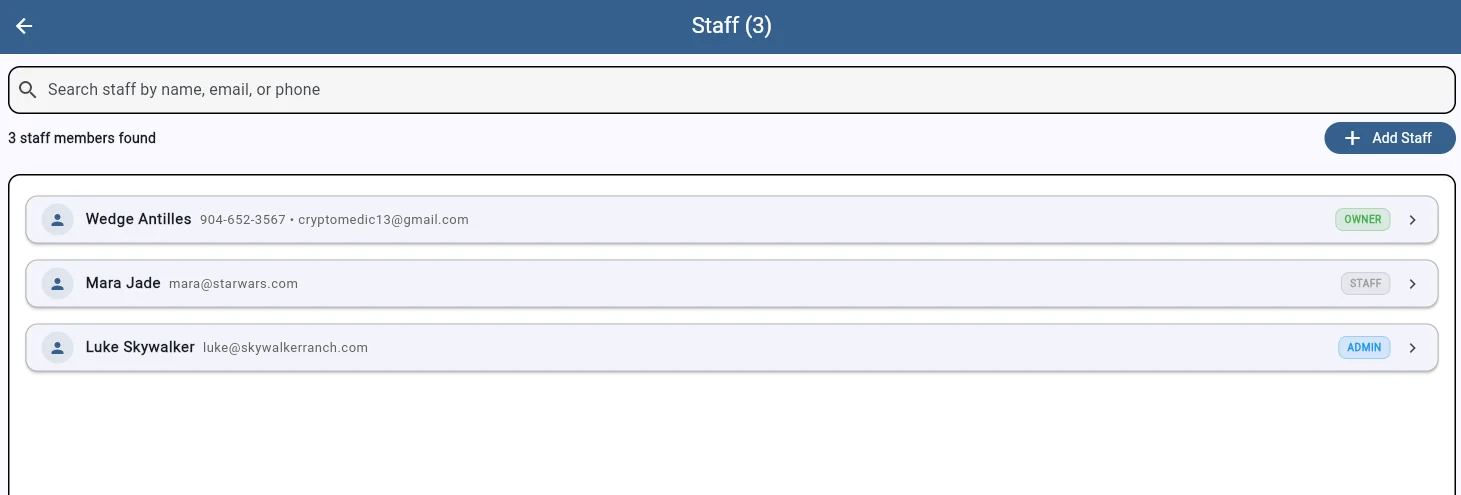
See your entire team at a glance. Each staff member is listed with their contact info and role clearly displayed. Search by name, email, or phone to find anyone instantly. As your business grows, SaddleWorks grows with you.
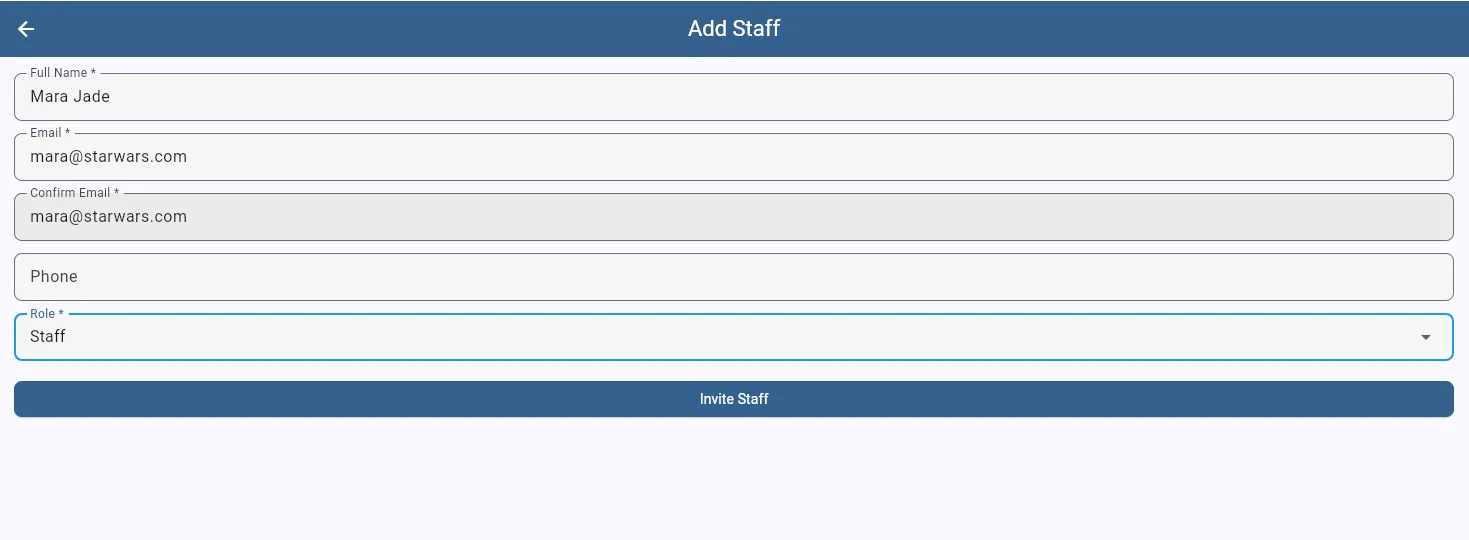
Adding a new team member takes seconds. Enter their name, email, and phone number, select a role, and send the invite. They'll receive an email to set up their account and join your business immediately.
Two permission levels keep things simple. Staff can manage appointments, clients, and their own calendar. Admins get additional access to add new staff members and configure appointment types. Neither role can access financial reports or sensitive business settings—that stays with you as the owner.
Whether you're a solo operator bringing on your first assistant or a growing business with multiple fitters, SaddleWorks gives you the control you need. Your financial data, business analytics, and core settings stay protected while your team gets the tools they need to do their jobs.
Start your free 7-day trial today
Start Free Trial