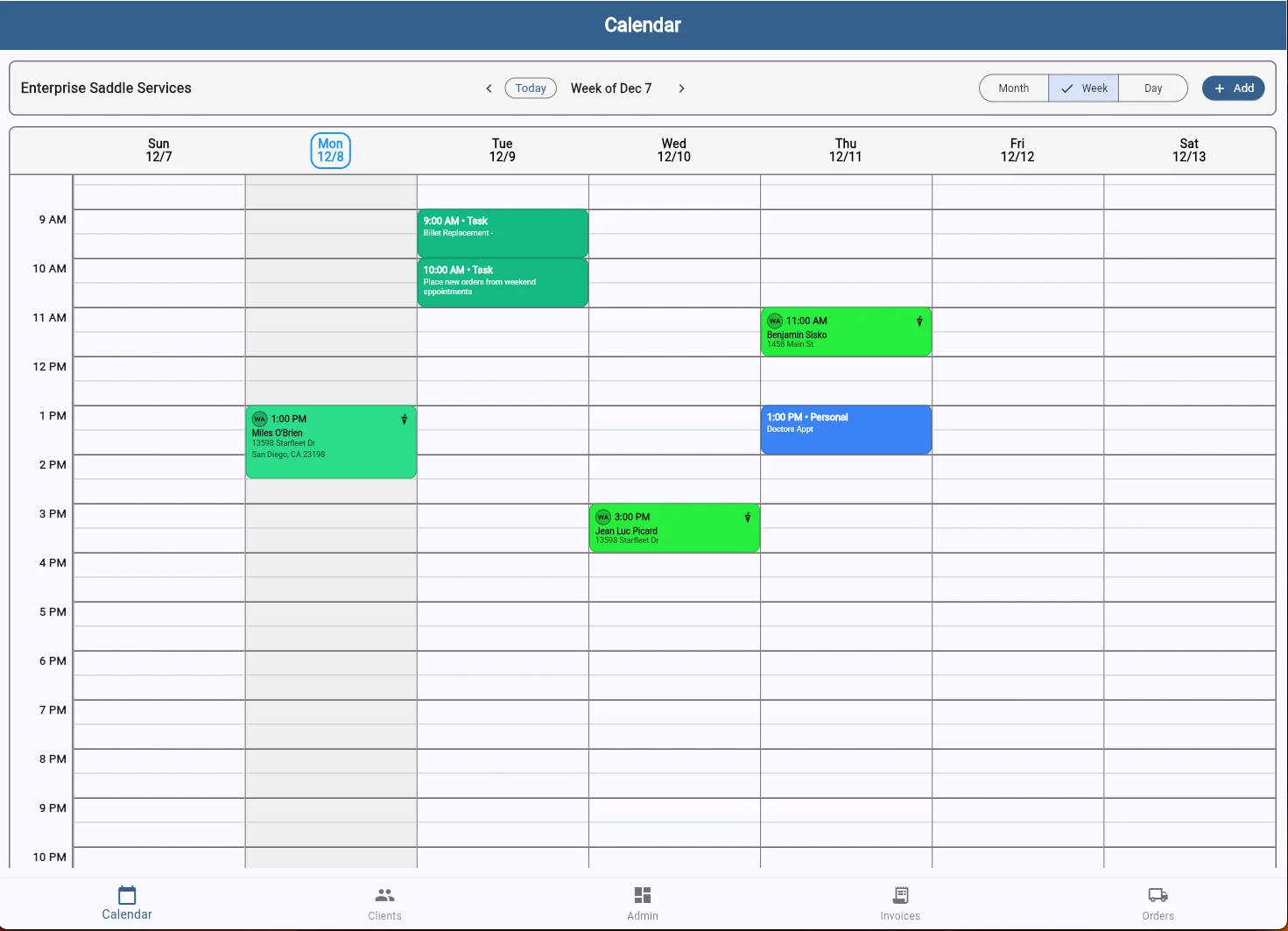
Never miss an appointment or double-book yourself again with SaddleWorks' powerful calendar and scheduling system.
Switch seamlessly between month, week, and day views to see your schedule at the level of detail you need. Whether you're planning out your month or managing today's appointments, SaddleWorks adapts to how you work.
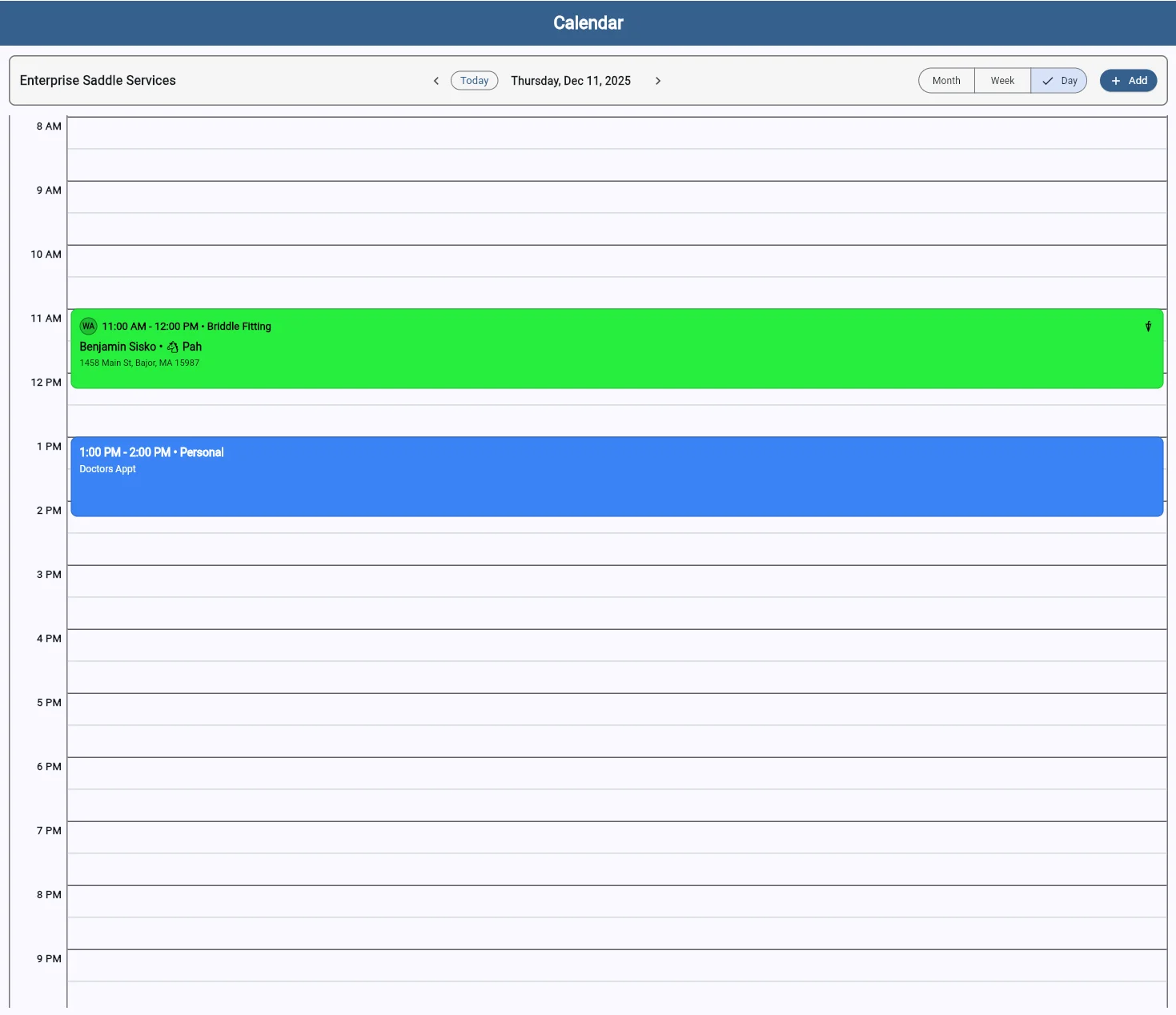
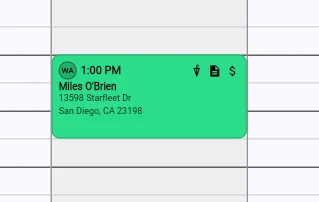
Every appointment block displays critical information at a glance. Staff initials appear on the left, showing which team member is assigned. Visual indicators reveal key details instantly: the umbrella icon confirms an indoor arena is available if weather turns, while the document and dollar sign icons show whether a post-appointment report and invoice have been completed. No clicking required—all the information you need to manage your day is right there on your calendar.
As an equine professional, your schedule is complex. Travel time between barns, weather delays, and last-minute changes are part of the job. SaddleWorks understands this and makes it easy to manage your time efficiently.
Set buffer times between appointments, block out travel time, and get automatic alerts when appointments conflict. Your calendar works the way you do.
Start your free 7-day trial today
Start Free Trial